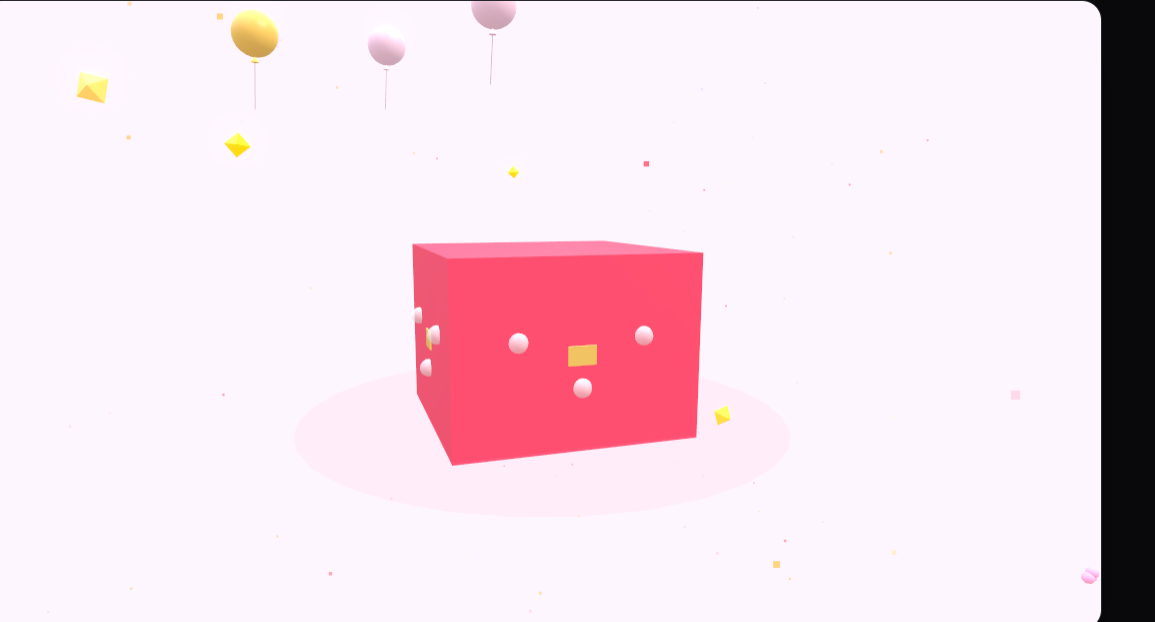
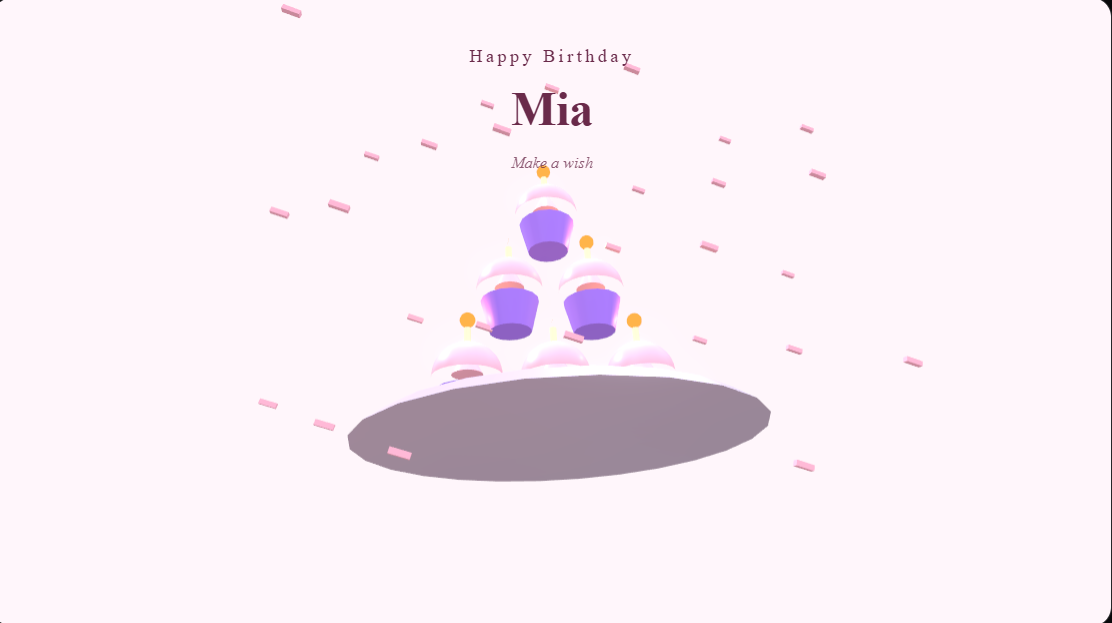
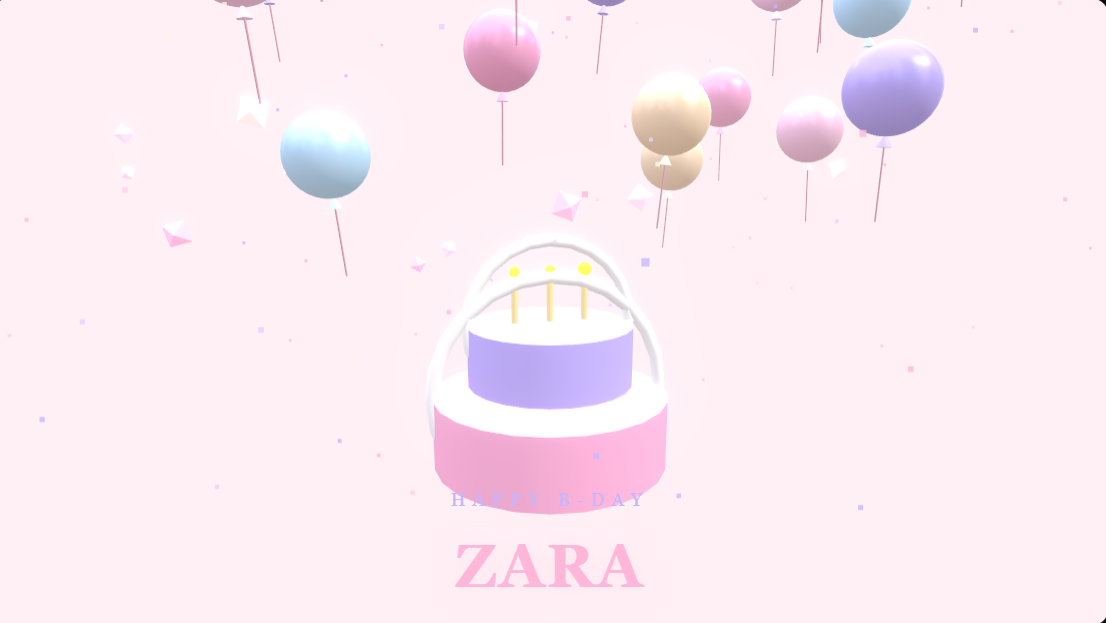
You remembered the birthday, you just left yourself five minutes to do something about it. Good news: that is genuinely enough time to make a card that looks like you cared for a week. A digital birthday card lands instantly, costs nothing, and can carry a photo, a personal message, and a little animation that a folded paper card never could.
This guide walks through the whole process from blank screen to sent message. No design skills required, and nothing to install. If you can type a text, you can do this.
Step 1: Choose a Template
Starting from a template saves you the hardest part, which is the blank page. A good template already has the layout, colors, and motion sorted, so you only need to swap in your own details.
- Open the birthday cards collection and scroll until something matches the person's vibe.
- Think about who it is for. Bright and playful for a friend, warm and elegant for a parent, soft and romantic for a partner.
- Do not overthink it. You can preview several in seconds, and most templates work for almost any tone once you change the words.
The best template is the one that feels like the person, not the one with the most going on. Simple and personal beats busy and generic every time.
Step 2: Personalize the Text
This is where a template becomes their card. Click any text on the card to edit it directly.
- Replace the placeholder greeting with their name. "Happy Birthday, Sara" already feels more personal than the default.
- Write your message in the body. One or two honest sentences beat a long paragraph of filler.
- Keep it readable. If you are unsure, shorter wins, especially since most people will view it on a phone screen.
If the words are the hard part, you do not have to invent them from scratch. Pull a line from a wishes collection and tweak it so it sounds like you.
Step 3: Add Your Own Photos
A photo is what turns a nice card into a memory. Pictures of the two of you, a moment from a past celebration, or a recent favorite all work beautifully.
- Use the photo or image option to upload a picture from your device.
- Pick something clear and well-lit. A sharp photo always reads better once it is animated.
- You can usually drag to reposition or resize so the face sits where you want it.
Step 4: Add Animation
Animation is the difference between a static image and something that feels alive when it opens. This is where a digital card earns its keep.
- Choose an entrance or reveal effect if the template offers one, so elements fade or slide in as the card plays.
- Keep the motion tasteful. Gentle movement feels premium, while too many effects at once feels chaotic.
- Match the energy to the recipient. A celebratory burst suits a best friend, a slow elegant reveal suits a parent or partner.
Step 5: Preview Before You Send
Always watch the card play through at least once before sharing.
- Hit preview and watch it the way the recipient will, ideally imagining it on a phone.
- Check for typos, especially in the name. A misspelled name undoes all the effort.
- Confirm the timing feels right. If anything flashes by too fast, adjust it.
Step 6: Share on WhatsApp or Download as Video
Once it looks right, getting it to them is the easy part.
- Share to WhatsApp: send the card link directly so they can open and play it in the chat.
- Download as a video: save it to your device, then attach it to a message, post it to a story, or send it by email.
- Send the link anywhere: the same card works across Instagram, Messenger, SMS, and email.
That is the whole process. You can start right now at MomentoCard and have something ready before your coffee gets cold.
Tips for a Card They'll Remember
- Lead with their name. Personal beats polished. Their name in the opening line does more than any fancy effect.
- Use a real photo of them. A picture they recognize triggers an instant smile.
- Say one true thing. A single sincere sentence outperforms three generic ones.
- Send it on the morning of the day. Timing makes a wish feel thoughtful rather than obligatory.
- Keep the animation gentle. Restraint reads as taste, not lack of effort.
Frequently Asked Questions
Is it really free to make a birthday card online? Yes. You can design, personalize, and share a card without paying. Browse the templates and start with any birthday design.
Do I need design experience? Not at all. The templates handle layout and motion for you. Your job is only to swap in a name, a message, and a photo.
Can I add my own photo to the card? Yes. You can upload pictures from your phone or computer and position them inside the card before sharing.
How do I send the finished card? Share the link directly on WhatsApp, post it to social media, or download it as a video to attach anywhere you like.
The nicest part is that the person on the other end has no idea it only took five minutes. They just see that you made something for them, with their name and face on it, and that is exactly the kind of thing people remember long after the day is over.