Everyone has a version of this story: you remembered Rohan's birthday all week, then Thursday got busy, and at 11:40pm you sent "happy bday yaar 🥳" — two minutes before it stopped counting. Multiply that by a team of forty, a family WhatsApp group of sixty, or a friend circle scattered across timezones, and the math is brutal: memory does not scale, but birthdays do.
This guide covers how automatic birthday wishes actually work in 2026, every way to set them up (from free calendar hacks to full card automation), what to write so it doesn't feel robotic, WhatsApp specifics, and what it costs — whether you're an HR manager, the family's designated rememberer, or just the friend who keeps forgetting.
What is an automatic birthday wishes sender?
An automatic birthday wishes sender is a tool that stores your people's birthdays once and then sends each person a personalized greeting on their day without you doing anything — the wish goes out even if you're asleep, in a meeting or on a flight.
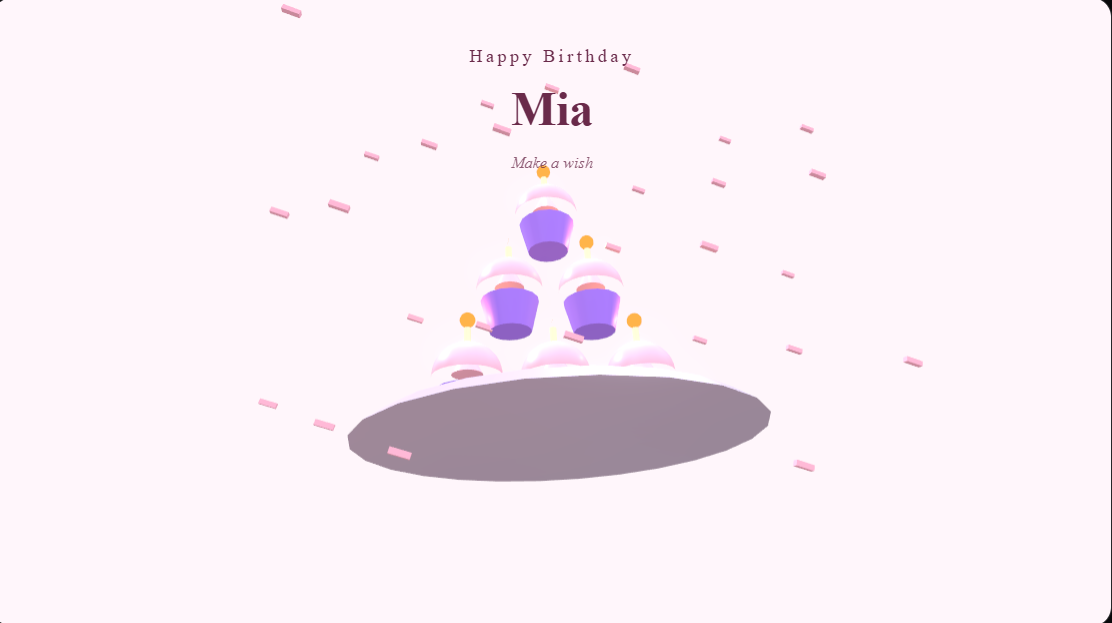
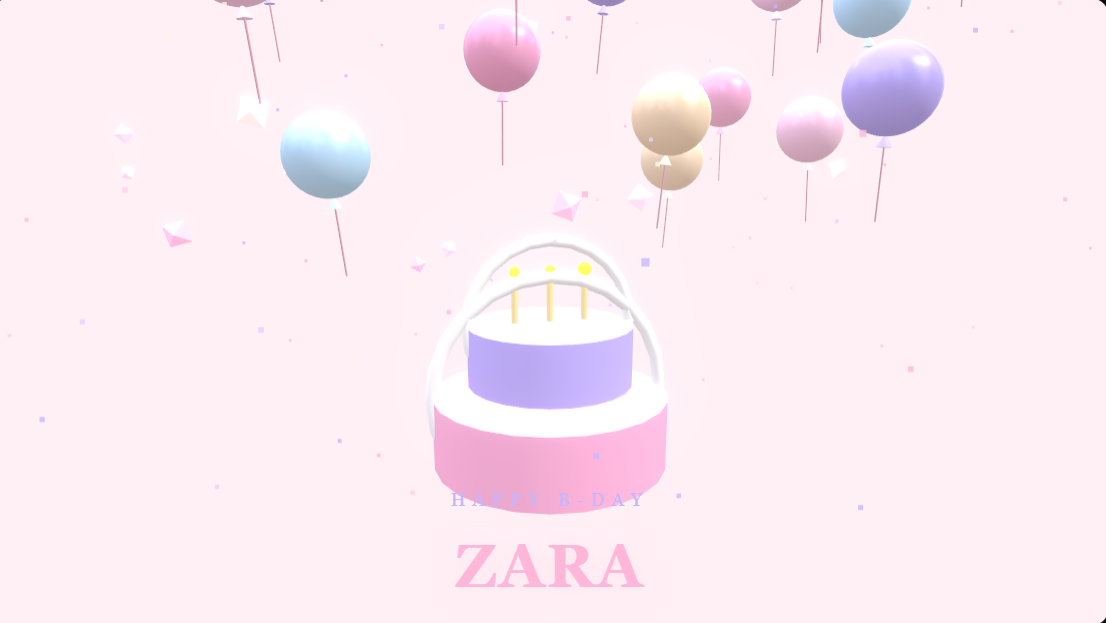
The good ones differ from a calendar reminder in one crucial way: a reminder tells you to act; automation acts. On MomentoCard, what arrives isn't a text line — it's a full-screen animated 3D card with the person's name inside, delivered by email (or WhatsApp/SMS), at 8am in their own timezone.
How automatic birthday wishes work, step by step
- Add your people once. Type them in, or import a CSV/Excel with names, birthdays and emails or phone numbers. A family takes two minutes; a 200-person company takes five.
- Create a birthday campaign. Pick an animated card design and write your message with placeholders — the person's first name, their department, their years at the company.
- Choose the send hour. Cards go out at that hour in each recipient's timezone — your Mumbai cousin and your Toronto colleague both wake up to theirs.
- The tool checks every day. When someone's date matches, it builds their personalized card and delivers it. Leap-year birthdays, duplicates and unsubscribes are handled.
- You get the thank-yous. That's the entire ongoing workload.
Set-up is once; the running is forever. The same engine handles work anniversaries (with years counted automatically), onboarding welcomes and festival greetings like Diwali for the whole list at once.
Every way to automate birthday wishes, compared
| Method | What arrives | Effort after setup | Best for | The catch |
|---|---|---|---|---|
| Google Calendar / phone reminders | A notification to you | You still write & send every wish | Remembering a handful of dates | The sending step is exactly what people miss |
| WhatsApp scheduled message apps | A plain text at a set time | Re-schedule manually every year, per person | One or two important dates | No personal WhatsApp auto-send is officially supported; texts feel thin |
| Slack/Teams birthday bots | A channel post like "It's Priya's birthday!" | Low | Office banter | Public ping, not a personal greeting; only reaches Slack users |
| Email marketing tools (Mailchimp etc.) | A templated marketing email | Medium — you build the flow yourself | Companies already paying for the tool | Feels like a newsletter; unsubscribe-grade warmth |
| Card automation (MomentoCard) | A personalized animated card, by email/WhatsApp | None | Teams, families, friends, communities | Paid after the 14-day trial |
The honest summary: free methods automate the remembering; only dedicated tools automate the sending — and the sending is the part that fails.
For companies and HR teams
A birthday is the one day an employee quietly checks whether the company notices them. Getting it wrong is worse than free: a missed birthday reads as "you're invisible," and a copy-paste "Dear employee, greetings on your special day" reads as "you're a row in a spreadsheet."
Automated cards — with the person's name in the animation, the company logo, and a message a human actually wrote — solve both failure modes at once. On MomentoCard for Business you also get work anniversary cards with the years counted, onboarding welcomes for new hires, festival greetings for the whole company, and delivery analytics so HR can see every card arrived and was opened. The full HR playbook is in our employee birthday cards guide.
For families and friend groups
This is the use case nobody markets to, and it's the best one. Add the whole khaandaan — cousins, chachas, nanis — once, and no birthday in the family ever slips again. Cards open in any phone browser straight from email or WhatsApp, which matters when the recipient is a grandparent whose entire internet is WhatsApp.
Friend groups use it the same way: one person sets up the circle's birthdays in a Personal workspace, writes messages full of inside jokes, and becomes — effortlessly and slightly fraudulently — the friend who never forgets.
Group cards: when one wish isn't enough
For the big moments, a single automated card is the floor, not the ceiling. Group cards let everyone sign one card together: you share a link in the group chat, and teammates or cousins add their messages and photos with no account needed. Set a signing deadline, quietly hide the one inappropriate message, and schedule delivery for the morning of the birthday — the recipient gets one beautiful wall of wishes from everyone. It's the Kudoboard experience, plus the automation Kudoboard doesn't have.
Sending birthday wishes automatically on WhatsApp
Three facts save you a lot of confusion:
- Personal WhatsApp cannot auto-send. No legitimate tool can schedule messages from your personal number; apps claiming to usually require leaving your phone on with the screen unlocked, and they break constantly.
- WhatsApp Business (Cloud API) can. The official API sends approved template messages automatically. On MomentoCard you connect your own WhatsApp Business credentials once in Channels & Integrations, and campaigns then deliver each card straight to WhatsApp.
- Email needs nothing. It works out of the box and is where most companies start; WhatsApp/SMS are add-ons for reach, not requirements.
More on link-sharing mechanics in how to send a greeting card on WhatsApp.
What to write: messages that don't sound automated
Write once with placeholders; it personalizes itself per person. Steal these:
For a team:
- "Happy birthday, ! The whole team is celebrating you today — have the best one yet. 🎉"
- ", another year of you making this place better. Happy birthday from all of us!"
- "Happy birthday, ! Cake first, meetings later. 🍰"
For family: 4. "Happy birthday, ! With all our love — the whole family. 💛" 5. "Ek saal aur shandaar! Happy birthday, — stay blessed. 🎂"
For friends: 6. "HBD ! May your coffee be strong and your notifications be kind. 🥳" 7. "Happy birthday, — 3am pizza runs forever. 🍕"
For work anniversaries: 8. "Congratulations on years, ! We're lucky to have you."
The rule: name + one specific warm line + a wish. Never "Dear valued employee." If you're stuck, the birthday message generator writes options in seconds.
What does birthday automation cost?
| Plan | Price | People | Notes |
|---|---|---|---|
| Free trial | ₹0 for 14 days | — | Real sending, full features, cancel anytime, no charge until it ends |
| Starter | ₹1,999/year (~$99) | up to 15 | 5 active campaigns |
| Growth | ₹3,999/year | up to 100 | Custom templates designed on request |
| Scale | ₹7,999/year | unlimited | Unlimited campaigns |
For scale: Starter works out to about ₹133 per person per year for a full circle of fifteen — less than one greeting card from a shop, for automated cards that never miss. Current pricing always lives on the business pricing page.
Five-minute setup checklist
- Create a workspace at momentocard.in/org — pick Personal (family/friends) or Business (team)
- Add people by hand or import your CSV/Excel
- Create a Birthday campaign: design + message + send hour
- (Optional) Upload your logo and pick an email design that matches your brand or family vibe
- Send yourself a test card, then activate — you're done forever
The next birthday in your list is closer than you think. Put it on autopilot before it gets here.