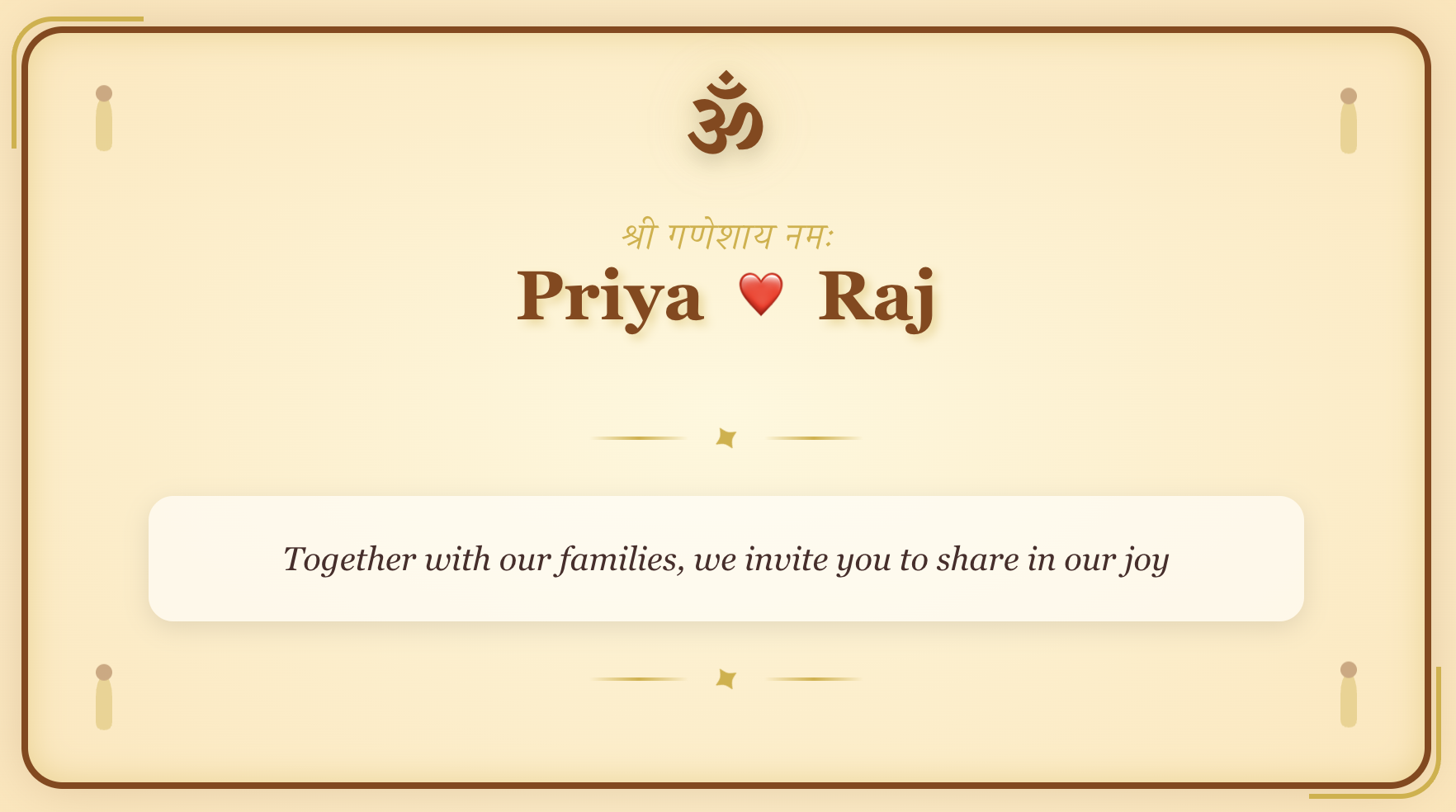
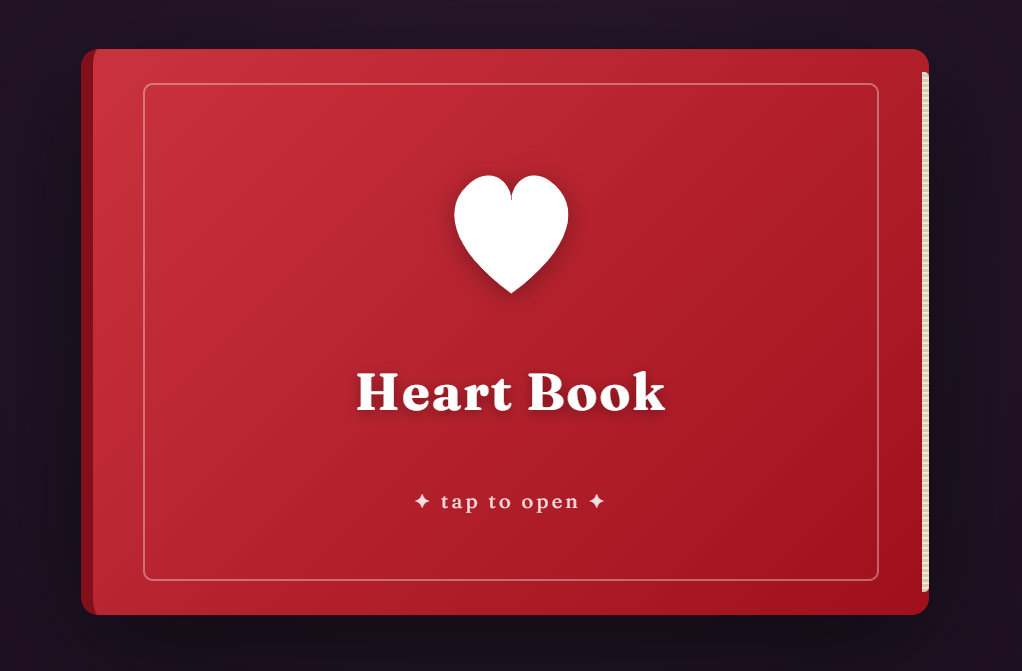
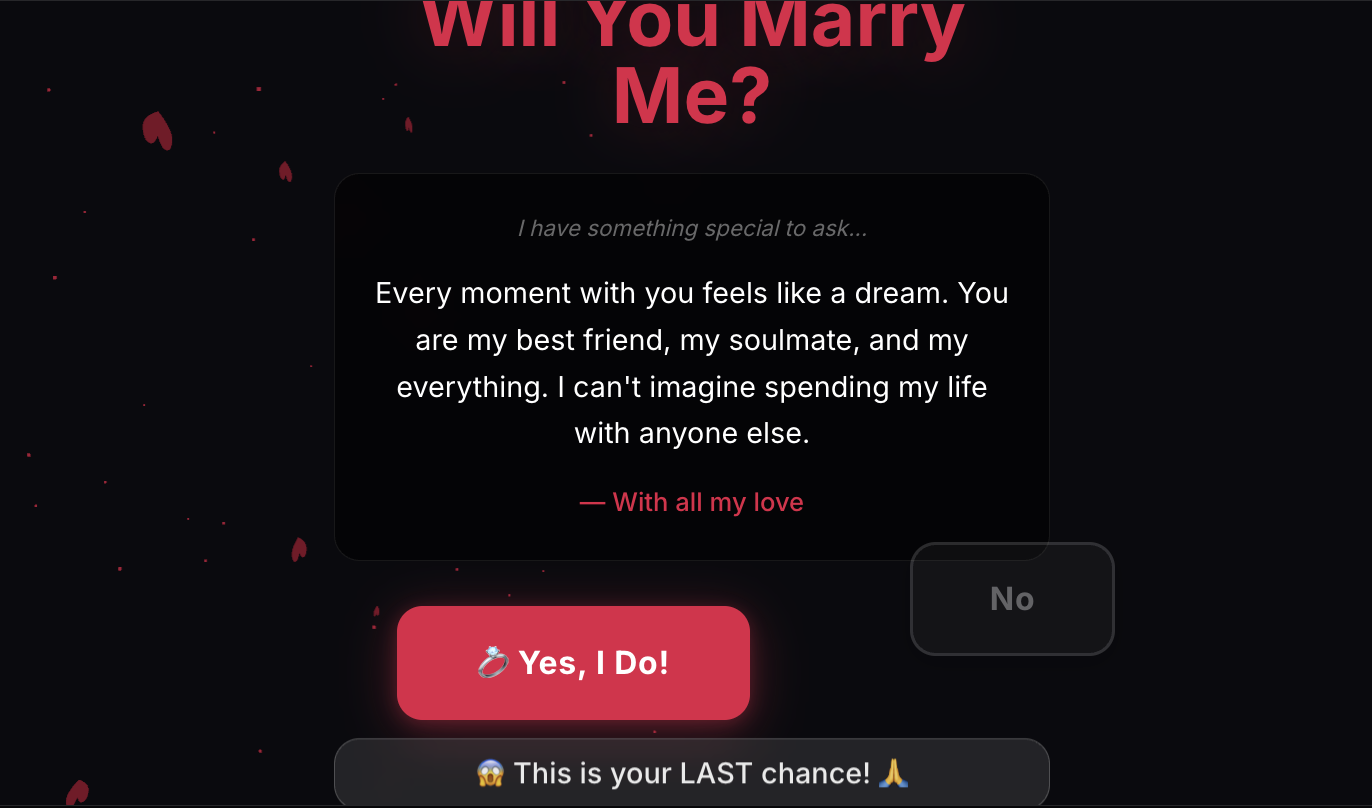
Paper wedding invitations used to be the only correct answer. They aren't anymore. In 2026, more couples are sending invitations as a private link than a printed card — and the better digital invitations now look and feel as considered as the engraved ones used to.
If you're planning a wedding, this is what you actually need to know about going digital: when it works, what to put on it, how to handle the parents and uncles who hate it, and where the new designs are going.
(For invitations beyond weddings — birthdays, housewarmings, baby showers, corporate events — and the timing, RSVP and etiquette rules that apply to all of them, start with the complete guide to digital invitation cards, or browse every occasion on the invitation maker.)
Why digital wedding invitations finally feel premium
For years, "digital invite" meant an email with a JPG attached. That's why couples avoided it. The medium felt cheap.
What changed:
- Real animations — envelopes that open, foil that catches light, music that plays softly under the names.
- 3D card formats that feel like a paper card, except they live at a link you can re-send.
- Photo galleries inside the invitation, instead of one static hero image.
- Built-in RSVPs and meal selection, so the guest replies inside the invite itself.
- Maps, dress codes, hashtag, gift registry, accommodation — all in one scrollable place.
It is not a JPG anymore. It is a small website that happens to look like a card. That is why "digital" no longer means "cheap."
When to send a digital wedding invitation
Send digital if:
- Your guest list is spread across cities or countries. Paper invitations get lost, arrive late, or never arrive at all to international addresses.
- You want a real RSVP rate. People reply to a tap-to-RSVP button in seconds. They do not reply to a paper RSVP card without prompting twice.
- You want to share the same invitation in multiple languages — common for Indian, multicultural and destination weddings.
- You are tracking opens, RSVPs and meal counts and don't want a spreadsheet to fall apart.
- You're inviting a younger crowd. Most guests under 40 will open a WhatsApp link before they open an envelope.
Still consider sending paper if:
- A meaningful number of your guests are elderly and not comfortable with smartphones.
- You want one physical keepsake. (Many couples send digital to everyone and print a single paper invitation as a memento.)
- The wedding is small (under 30 guests) and the formality of a paper card is part of the gesture.
The most common 2026 setup: digital for the full guest list, plus 5–10 printed copies for grandparents, the couple's parents, and the wedding album.
What to include on a digital wedding invitation
The structure is almost identical to a paper invite — but you have more space, so you can be more useful.
The card itself
- Both names — the order is up to you.
- The line "request the honour of your presence" / "invite you to celebrate" / "are getting married." Pick the formality that matches the wedding.
- Date, day of the week, year.
- Time. Be specific.
- Venue and full address.
- Dress code, if there is one.
- "Reception to follow" / ceremony and reception details if separate.
The expanded info page (the part paper can't do well)
- Map and directions, with one-tap navigation.
- Schedule of events — Mehndi, Sangeet, Haldi, ceremony, reception — if it's a multi-day wedding.
- Accommodation options for out-of-town guests, with a booking code if you have one.
- Travel and parking guidance.
- Dress code with a small visual example.
- Gift registry / honeymoon fund link.
- A wedding website link, if you have a separate site.
- RSVP form with meal selection, plus-one, dietary notes, accommodation needed yes/no.
- Hashtag for photos. Optional but loved.
How to word a digital wedding invitation
The wording itself does not change because the medium changed. Formal, modern, or casual — the same rules apply as on paper. See our wedding card ideas and invitation wording guide for ten ready-to-use formats covering traditional, modern, casual, second-marriage, courthouse and intercultural weddings.
The one thing digital lets you do that paper can't: add a short, personal video. A 15-second clip of the two of you saying "we'd love you to be there" at the start of the invitation makes guests feel chosen, not just listed.
Design ideas that age well
The risk of digital is gimmicks. Five trends that hold up:
- Photo-led invitations. A hero portrait of the couple at the top, the formal invitation below. Modern, warm, hard to do badly.
- 3D envelope unfolds. The invitation arrives looking like a sealed envelope. Tap. It opens to reveal the card. Tap again. Photos. Tap again. Schedule. It mimics the way a paper envelope feels, but with motion. This is the format MomentoCard's 3D wedding cards are built around.
- Letterpress-style typography. Serif headings, thin gold rules, single accent color, plenty of white space. Always works.
- Cultural patterns done quietly. Mandala, paisley, henna, Islamic geometric, Chinese double-happiness — used as a subtle border or watermark, not as the whole design. Restraint is what makes it premium.
- Save-the-date as a teaser. Send a short, almost-no-info save-the-date first (just the date, the city, and a photo). Then send the full invitation a few weeks later.
The mistake: animated GIFs of doves, blinking text, six different fonts, glitter overlays. They aged badly five years ago and still age badly today.
How to send a digital wedding invitation properly
The link is only the start. How you deliver it matters.
- WhatsApp. Send to one guest at a time, or to small family groups — never as a broadcast. Add one personal line above the link: "Mum, Dad, this is finally happening. Tap the link and let us know." (Step-by-step in how to send a greeting card on WhatsApp.)
- Email. For colleagues, distant relatives, anyone you don't text. The subject line should say "[Names] — Save the Date" or "[Names] — Wedding Invitation." Not "Big news."
- Direct print + post. For grandparents and a small inner circle, print one beautiful version on heavy paper and post it. Keep the digital one for everyone else.
Handling the older relatives who'll struggle with digital
Two rules that solve most of it:
- Make the link work without an account. Your guest should not have to sign up to view your invitation. (MomentoCard's invitations are like this by default.)
- Phone them after you send. "I just sent the wedding invitation as a WhatsApp message. It will look like a card when you tap on it. Can you open it now while I'm on the phone, so I know it worked?" Five minutes of phone time saves hours of follow-up.
If they still struggle, post one printed copy. That is what the small print run is for.
Tracking RSVPs without losing your mind
The single biggest practical win of digital: real-time RSVPs.
A good digital invitation should give you:
- A dashboard of who has opened, viewed and replied.
- A simple yes/no/maybe count, plus plus-one and meal selection.
- The ability to send reminders to non-responders with one click.
- Export to CSV for your caterer and venue.
The RSVP habits that actually move reply rates — one-tap replies, a WhatsApp fallback link, deadlines with a reason, and exactly two reminders — are covered in the digital invitation cards guide.
If you are using MomentoCard, the RSVP and tracking is included with wedding templates — open your dashboard after you create the invitation and the responses come in there.
Eco, cost, and the third reason people are switching
Two thousand printed invitations is a lot of paper, ink, postage and emissions. Couples increasingly mention this in their decision to go digital — not as the only reason, but as a real one. The third reason most people don't name out loud is cost. A printed invitation suite often runs ₹40,000–₹2,00,000 / $400–$2,000+ for a mid-size wedding. A beautiful digital invitation, even a fully custom one, is a fraction of that.
That budget moves to where guests will actually feel it — food, music, flowers, photography.
Make yours
Browse the wedding cards collection for invitation and save-the-date designs ready to customise — or build something fully your own in Studio. Add your photos, your wording, your hashtag, your RSVP form. Share the link on WhatsApp. Watch the responses come in. If your wedding spans multiple functions, the shaadi card maker puts Haldi, Mehndi, Sangeet, the Shaadi and the Reception into one animated card — each function as its own themed scene. And for every other occasion around the wedding, the online invitation maker covers the full set.
Need the actual wording? Our 100+ invitation messages and wording samples has ready-to-send lines for the wedding and every function around it, in English and Hindi.
A wedding invitation, in any medium, has only one job: to make the guest feel like the day will not be complete without them. Pick the format that lets you do that best for the people you are inviting. In 2026, for most weddings, that is a beautifully designed link — and a small handful of paper copies for the people who will frame them.