Invitations moved to phones faster than etiquette did. Most people now receive nearly every invitation as a link, and are still unsure about the rules: how far ahead to send one, whether it is acceptable for a wedding, what to do about the aunt who never opens links, and how to get a headcount you can trust out of a WhatsApp group.
This guide answers all of it — the formats, the timing, the RSVPs and the etiquette — for every kind of event, not just weddings.
What is a digital invitation card?
A digital invitation card is an invitation delivered as a link, image or video instead of printed paper. The guest opens it on a phone or computer — usually from WhatsApp, email or a messaging app — and sees the event details, and often a map, a schedule and an RSVP button, inside the invitation itself. Digital invitations range from a simple static image to an animated video card to an interactive 3D card the guest taps through, and unlike paper they can be corrected and updated after they have been sent.
That last part is the real difference. A paper invitation is finished the moment it is printed. A digital invitation is a small living page: the venue can change, the schedule can grow, and the RSVP count updates as people reply.
The three types of digital invitation
"Digital invitation" covers three genuinely different things. They are not equally good — but they are not equally suited to every event either.

| Format | What it is | Best for | Limits |
|---|---|---|---|
| Static image (JPG / PDF) | One designed image, sent as a file | Casual events, office notices, anything that will be printed or forwarded offline | No RSVP, map or schedule; unfixable once sent; compressed by WhatsApp |
| Animated card (video / GIF) | A short motion piece, often with music | Announcements that should feel like an event — save-the-dates, festival invites, launches | Heavy as a download; no interaction; a re-edit means re-sending |
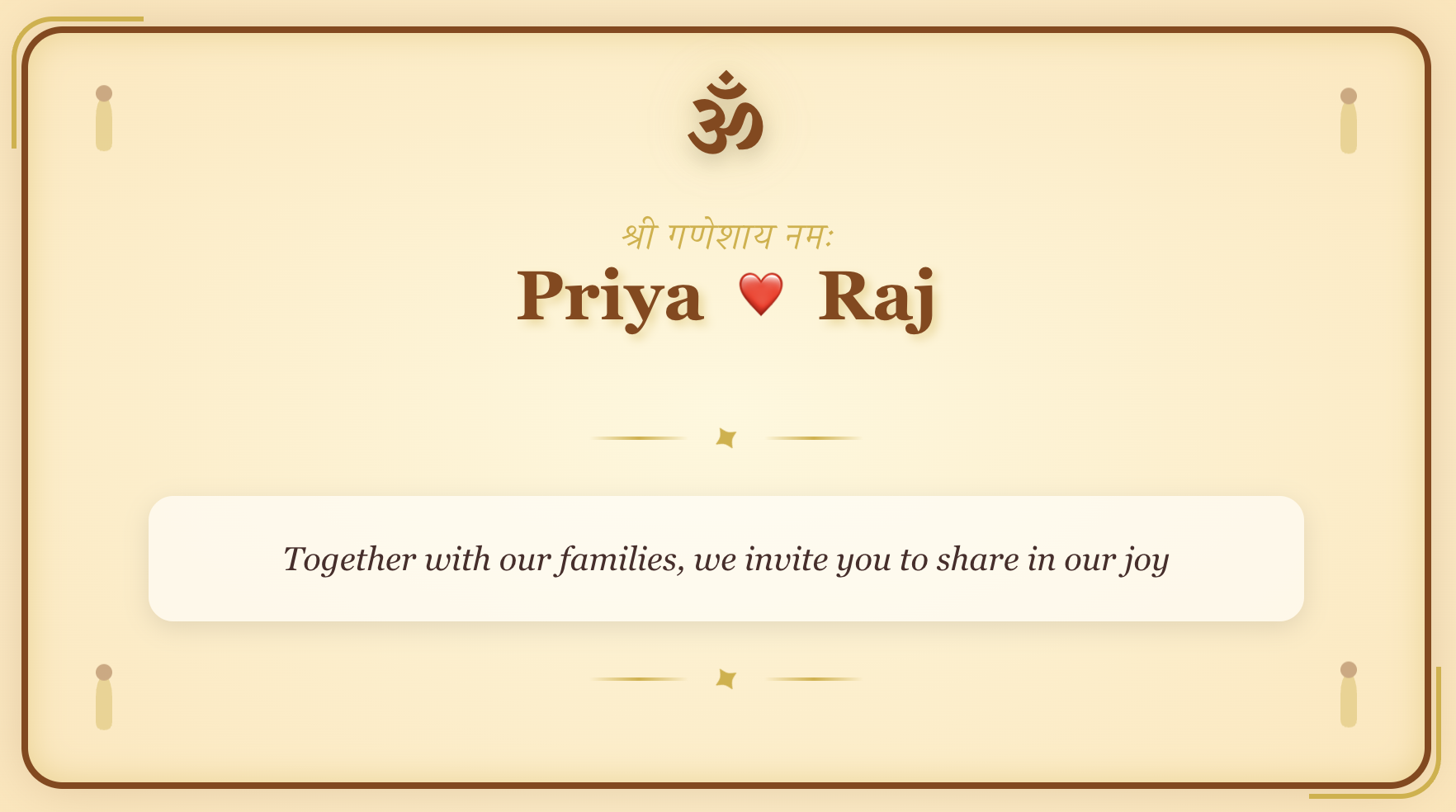
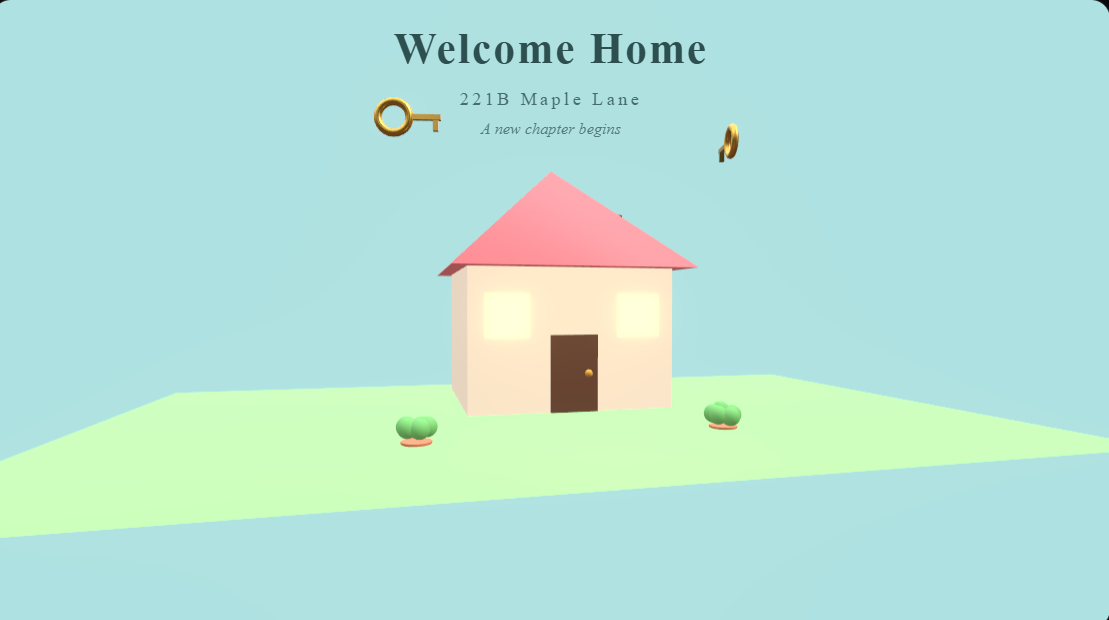
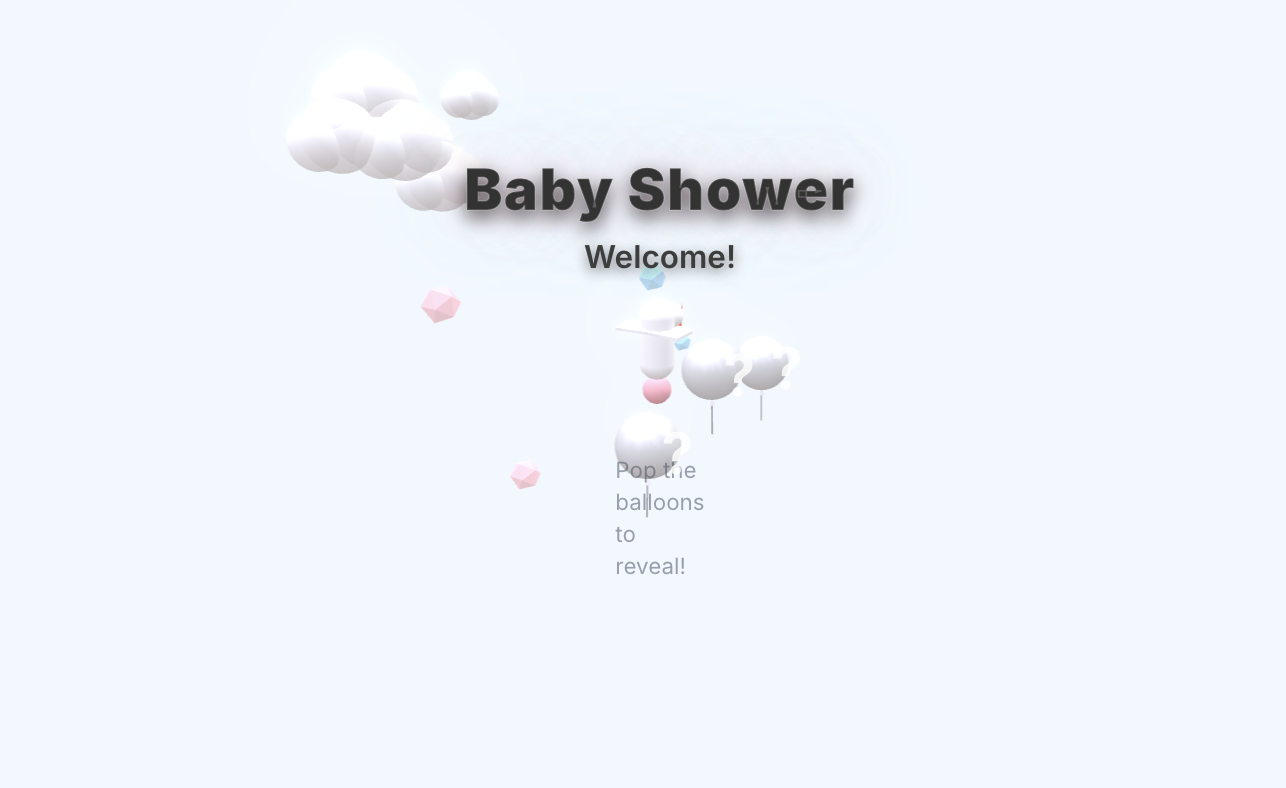
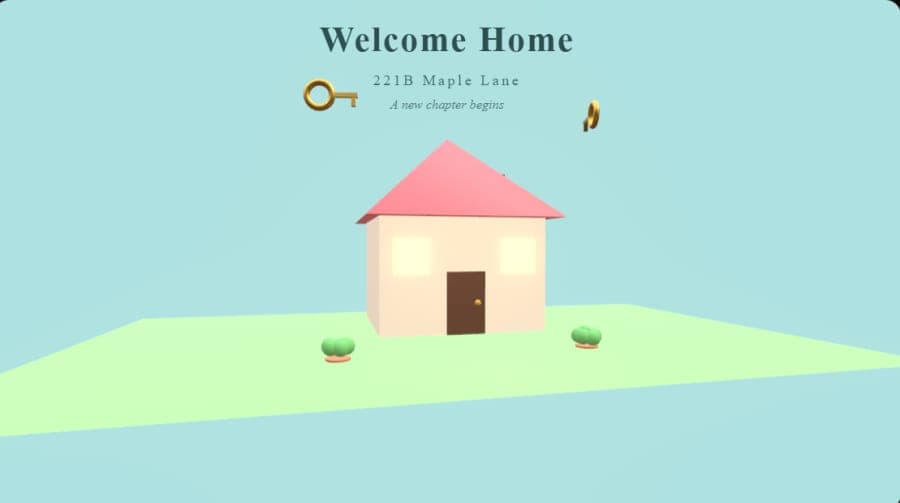
| Interactive 3D card (link) | A card the guest taps through, with pages, photos, music, map and RSVP built in | Weddings, milestone birthdays, engagements, baby showers, corporate events | Needs a connection the first time it opens |
The honest comparison: a static image is the fastest to make and the easiest for anyone to forward, and for a Sunday potluck that is enough. An animated card is more memorable but is still a one-way broadcast — you learn nothing about who is coming. An interactive card costs a few extra minutes and gives you the thing paper never could: a page you can correct, and replies that count themselves.
MomentoCard is built around the third kind — an invitation the guest opens and taps through, with the RSVP inside it. For how those cards are built, see the 3D greeting card maker guide and the animated greeting card maker guide; for the plain-video route, the video greeting card maker guide covers exporting an invitation as an HD file.
When to send a digital invitation: timing by occasion
Digital invitations arrive instantly, which tempts people to send late. Don't. Lead time was never about postal delivery — it is about giving guests room to arrange leave, travel and childcare. These are the windows that work in practice.
| Occasion | Send the invitation | Save-the-date | RSVP deadline | Reminder |
|---|---|---|---|---|
| Wedding (local) | 3–4 weeks before | 4–6 months before | 2 weeks before | 5–7 days before |
| Wedding (destination / NRI guests) | 8–10 weeks before | 6–8 months before | 4 weeks before | 2 weeks before |
| Engagement / roka | 3 weeks before | Not needed | 1 week before | 4 days before |
| Milestone birthday (30th, 50th, 60th) | 3–4 weeks before | Optional, 2 months | 1 week before | 3–4 days before |
| Birthday party / kids' party | 1–2 weeks before | Not needed | 4–5 days before | 2 days before |
| Baby shower / godh bharai | 3–4 weeks before | Not needed | 1 week before | 4 days before |
| Housewarming / griha pravesh | 1 week before | Not needed | 2 days before | Day before |
| Corporate event / offsite | 2 weeks before | 4–6 weeks for large events | 1 week before | 2 days before |
| Festival party (Diwali, Christmas, New Year) | 2–3 weeks before | Not needed | 1 week before | 2 days before |
| Casual dinner or get-together | 3–7 days before | Not needed | Day before | Morning of |
Two rules sit behind that table. First, the more a guest has to spend to attend — flights, hotels, a day of leave — the earlier you send. Second, send in the receiver's timezone, not yours: an invitation that lands at 3 a.m. gets buried under the morning's messages.
RSVP best practices
The RSVP is where a digital invitation either earns its keep or falls apart. A card with a broken reply path is worse than a paper card, because it feels effortless to ignore.
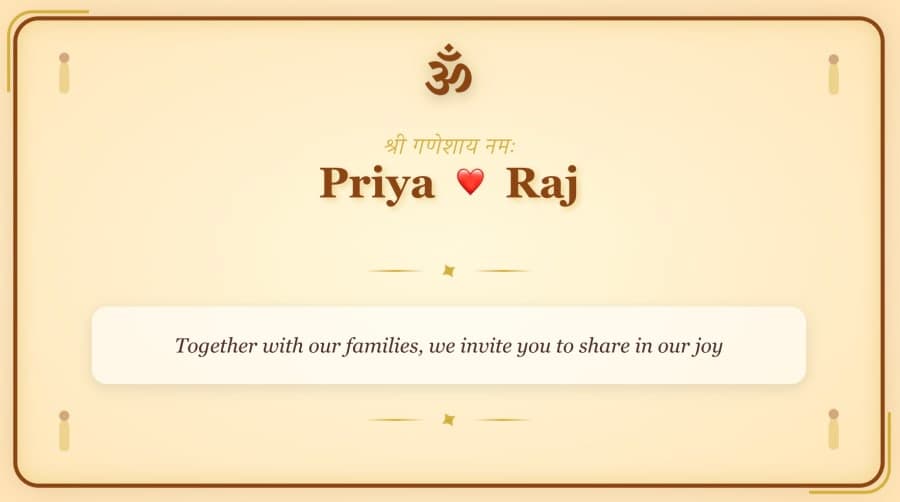
Wedding invitation
- Put the reply inside the invitation. One tap on an RSVP button beats "let me know" every time. Every extra step — opening another app, typing an address, remembering a name — costs you replies.
- Offer a WhatsApp reply link as the fallback. A wa.me link that opens a chat with the message pre-filled ("Yes, 2 of us will be there — Priya") is the highest-converting RSVP path in India, because it asks nothing the guest has not already done today.
- Ask for the headcount, not just yes or no. "Yes" from one person can mean four people at the table. Ask how many are attending, and count children separately if catering depends on it.
- Set a deadline and say why. "Please reply by the 12th so we can confirm the caterer" gets a materially better response rate than "RSVP soon".
- Track in one place. Replies scattered across WhatsApp, Instagram DMs and phone calls become a headcount nobody trusts. Cards sent with MomentoCard collect their responses in your dashboard, ready to hand to the caterer or venue.
- Send exactly two reminders. One at the deadline, one 3–5 days before the event, and only to people who have not replied. A third reads as pressure.
- Reply to the replies. A short "Got it, see you there" closes the loop and stops guests wondering whether their message landed.
For the mechanics of sending — group versus personal, link previews, and what happens to the link on the way — see how to send a greeting card on WhatsApp.
Digital invitation etiquette
Elders and guests who don't open links
This is the objection everyone raises, and it is solvable in five minutes.
- Send it personally, then call. "I've just sent the invitation on WhatsApp. Tap the picture and it opens like a card. Can you open it now while I'm on the line?" One phone call converts a sceptic permanently.
- Make sure nothing is asked of them. No account, no app, no login. If a guest has to sign up to see where the wedding is, the tool has failed, not the guest — the principle behind the no sign-up card maker guide.
- Print a handful. Five to ten paper copies for grandparents, close family and the album cost almost nothing next to a full print run, and they end the argument entirely.
Mixed digital and print
The 2026 default for a large Indian wedding or a big family event: digital for the entire guest list, print for a named short list. Keep both versions visually identical — same colours, same typeface, same wording — so the printed card reads as a keepsake of the same invitation rather than a different one.
Group sends versus personal sends
- Personal send for anyone whose attendance matters to you — close family, the friends you would notice were missing, elders, and anyone travelling. Always add a line above the link addressed to them by name.
- Group send where the group is genuinely the unit: an office team, a housing society, a college batch, a family group. Address the dedication line to the group ("Team Marketing", "Sharma Family") so it does not read as a forward.
- Never broadcast a wedding invitation to a mixed contact list. A broadcast that reaches your dentist and your college roommate identically is the one genuinely rude use of a digital invitation.
- Send one version to everyone. Two circulating versions of the timing is how guests end up at the wrong venue at the wrong hour.
The details that decide how it lands
Proofread names, date, day of the week, time and venue twice. Give the full address rather than only a venue name, add a maps link, state the dress code if there is one, and include a phone number for the person who can answer questions on the day.
Accessibility: a link that opens anywhere
The practical advantage of a link-based invitation is how many devices and situations it clears:
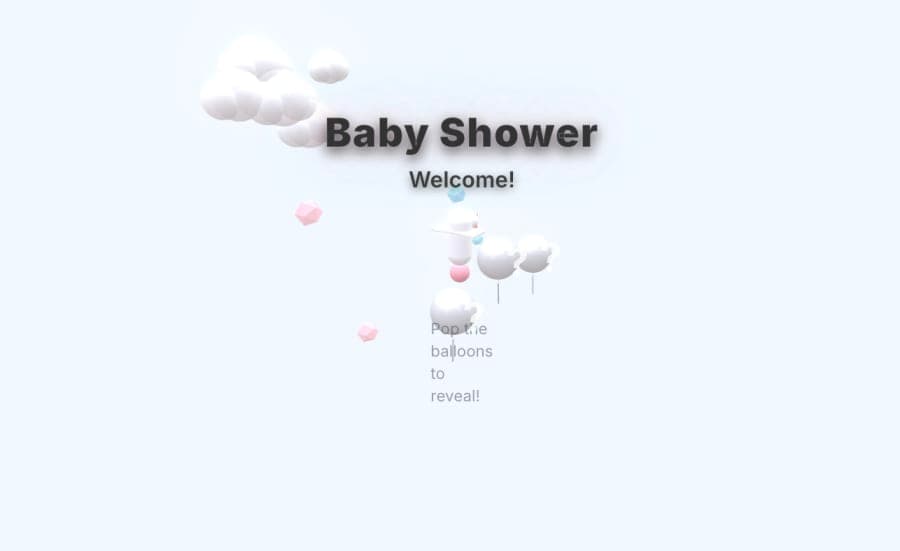
- No app install. It opens in the browser the guest already has — Chrome, Safari, Samsung Internet, or the in-app browser inside WhatsApp.
- No account. Nothing to create, remember or reset before seeing the details.
- Works on older, low-end phones, because the card is rendered by the browser rather than downloaded as a large file.
- Re-openable. Guests misplace paper cards the week of the event; a link sits in the chat, searchable.
- Forwardable, in the right way. Relatives can pass it to people whose numbers you never had, without the details drifting.
- Language. The same event can go out in English or Hindi — MomentoCard supports 15 — which matters for a guest list spanning generations and countries.
- Real text and a maps link, so guests using assistive technology or arranging transport are not stuck decoding an image.
The one real limitation: the guest needs connectivity the first time they open it. Where that is genuinely doubtful, send an image version alongside the link — or print theirs.
How to make one
- Start from the invitation maker, or pick a design that matches the event — wedding invitations, birthday cards, baby and shower cards or festival cards. The full library is at templates, and Studio builds one from scratch.
- Put in the essentials: who is inviting, what the event is, the date and day, the time, the full venue address, the dress code, and the RSVP ask with a deadline.
- Add what paper cannot carry — a map link, the multi-day schedule, photos, music, and the number to call on the day.
- Preview it on a phone before sending. That is where every guest will see it first.
- Share the link on WhatsApp with a personal line above it, starting with a small group before the full list.
If the wording is the hard part, the wedding invitation wording guide has ready-to-use formats, the birthday invitation text generator drafts party wording for you, and the AI greeting card generator guide explains where AI drafting helps. For weddings specifically, digital wedding invitations: a complete 2026 guide goes deeper into design, tradition and family logistics, and the wedding invitation maker is the fastest place to start. Every other occasion — engagement, baby shower, griha pravesh, corporate — sits on the invitation maker hub. Comparing tools first? The best free greeting card maker guide, the birthday card maker guide and the full guides library cover the landscape.
The short version
A good invitation, in any medium, does one job: it makes the guest feel the day would be incomplete without them. Digital does not change that job. It gives you a card you can correct, a reply the guest can send in one tap, and a headcount you can actually trust.
Send it early, send it personally, keep the reply one tap away — and print a few for the people who will frame them.